Nothing leaves your device
The AI model is downloaded to your browser and runs there. Your photos and videos are never sent to an AI server.
 Vanish
Vanish downloads the AI model to your browser and restores photos and video on your device. No AI upload, no waiting for a remote graphics server.

Real workflow proof
The small generator sparkle was removed from this uploaded promo. The QR and diagonal demonstration marks remain so you can see the kind of work Vanish handles.
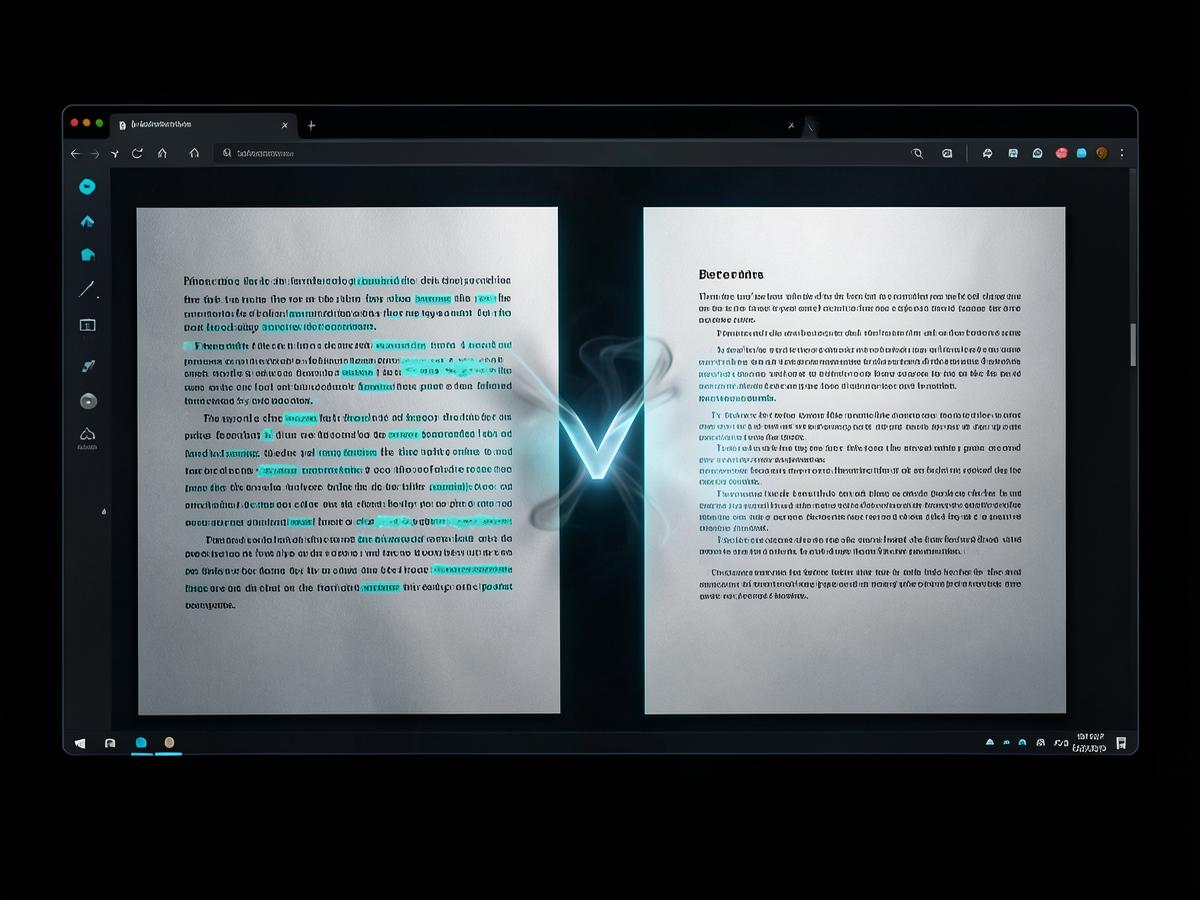
AI text watermark removal
Upload a TXT file or paste text directly. Vanish rewrites repetitive, machine-like phrasing on your device while preserving paragraphs, then gives you an editable result ready to copy or download.
Precision restoration
Let Vanish detect the mark, then refine it with a brush or selection box. For video, pin masks at different moments so the cleanup follows movement across frames.


Your source files stay on your machine while the restoration model runs locally. Saved projects are private to your account only when you choose to keep them.
Read the privacy detailsMost removal tools upload your media to a rented graphics server and bill you for it. Vanish flips that around.
The AI model is downloaded to your browser and runs there. Your photos and videos are never sent to an AI server.
Zoom in and brush or drag a box over the watermark. Undo and redo every change until the mask is right.
Runs on your GPU when your device supports it, and quietly falls back to the CPU when it doesn't.
Scrub the timeline, trim the clip, pin masks where the watermark moves, then download a real MP4 or WebM.
Drop in a text file and get a rewritten version, generated locally by a small language model.
Saved projects live in private storage that only your account can open.
Every account gets 15 free credits each month. Need more? Buy a pack — purchased credits never expire. One photo is 1 credit, video is 1 credit per 10 seconds, a text rewrite is 1 credit.
$0
15 credits every month
$4.99
300 credits
$14.99
1,200 credits
$39.99
4,000 credits
Create an account, drop in a file, and paint over what you want gone.